
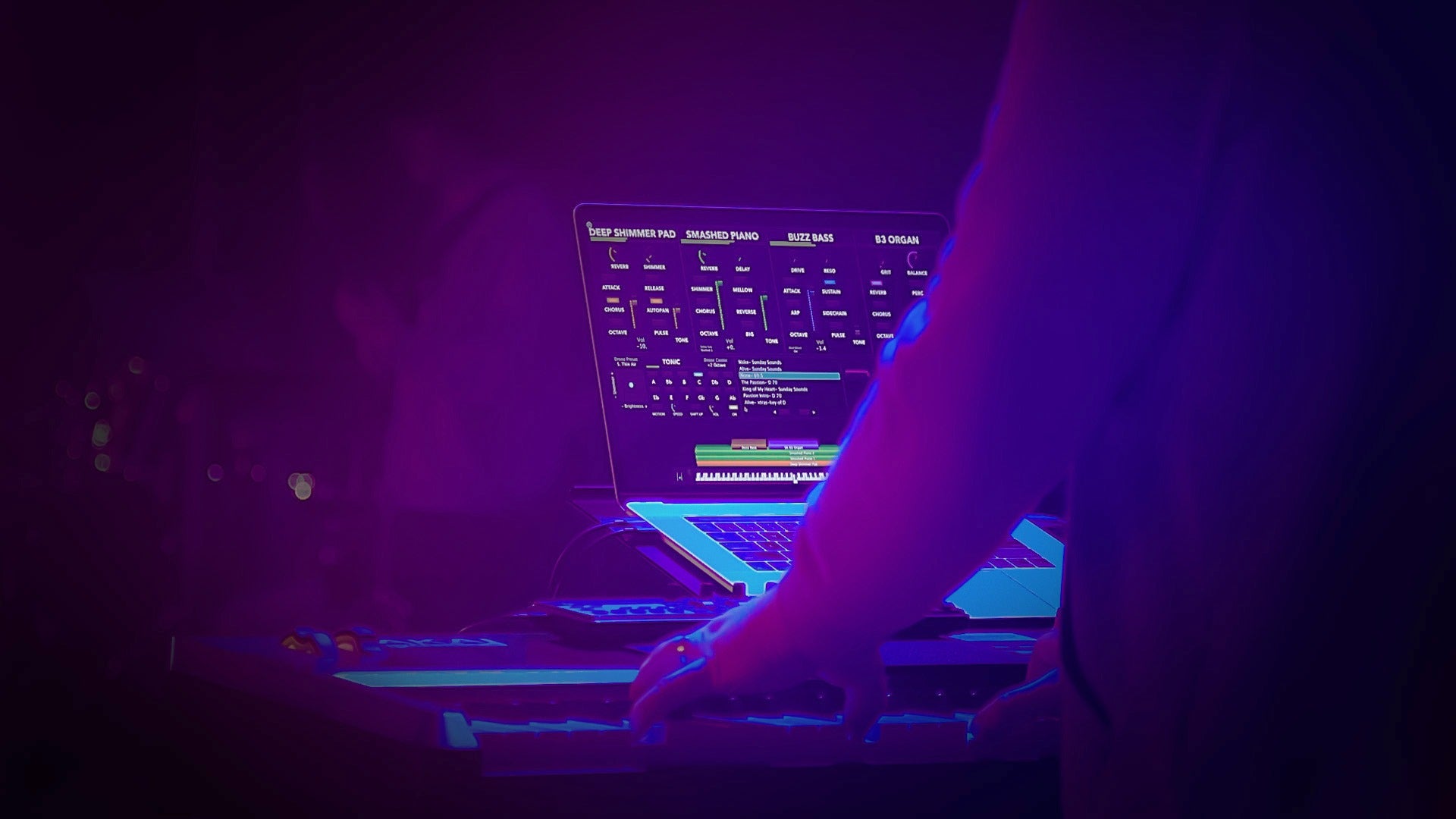
In this guide, we'll walk through everything you need to know to get started with the Sunday Keys App.
You'll learn how to create your account, download sounds, build patches, create setlists, use the Tonic Pad Player, the AI Patch Builder, Patch Snapshots, and how to choose the right hardware for your keyboard rig.
By the end, you'll have a complete understanding of how the Sunday Keys App works and how to build a reliable worship keyboard setup.
What Is the Sunday Keys App?
The Sunday Keys App is a standalone worship piano and keys App for iPad and Mac that lets you build professional keyboard patches using layered sounds, pads, pianos, synths, strings, ambient textures, and more that you can use whether you're playing modern worship, gospel, CCM, hymn arrangements, or instrumental music.
Step 1: Create Your Sunday Sounds Account
Before downloading the app:
-
Choose the license that's right for you (You can also use the App for Free in Demo Mode)
-
Download the Sunday Keys App from the App Store on your iPad or Mac
-
Sign in using the same email address as your Sunday Sounds account
Once you're logged in, you're ready to start downloading sounds.
Step 2: Download the Factory Sound Library
One of the first places you'll visit inside Sunday Keys is the Sound Downloads Manager.
Here you'll find:
-
The Factory Sound Library of worship keyboard sounds
-
Monthly Sound Library updates
-
Song Specific Patches
-
Other Sound Libraries and Ultimate Exclusives

As long as your license is active, you'll continue receiving new sound library updates every single month throughout the year.
Understanding How Sunday Keys Works
Everything inside Sunday Keys revolves around two simple ideas, Sounds and Patches.
Sounds
A sound is a single instrument. Examples include: Grand Piano, Warm Pad, String Ensemble, Bell Lead, Synth Lead, Electric Piano, etc.
Patches
A patch is a collection of multiple sounds layered together. For example, one worship patch might contain:
-
Concert Grand Piano, a Warm Pad, and a Synth Bass
Together, these create one playable sound designed for a specific song or musical moment.
How to Use Patches
Many worship keyboard players use:
-
One patch for an entire service, with all the instruments needed to cover the parts.
-
One patch per song, with specific instruments and Sounds for that specific song.
How to Build Keyboard Patches
There are a few ways to create patches.

Option 1: Build from Scratch
Create a blank patch and choose every sound yourself. You can browse hundreds of sounds by category, including Grand Pianos, Upright Pianos, Pads, Strings, Synths, Bells, Organs, Electric Pianos and more! This method gives you complete creative control.
Option 2: Start with the Patch Library
If you want professional results quickly, use the built-in Patch Library.
You can search by:
-
Genre
-
Style/Useful For
-
Included Sounds in the Patch
-
Tempo-synced patches (Arps, Sequences)
-
Complexity (Simple, Moderate, Complex)
This is one of the fastest ways to build a complete worship setlist.
Option 3: Use AI Patch Builder to Create Sounds in Seconds
One of the powerful features inside Sunday Keys is AI Patch Builder. Instead of manually selecting sounds, simply describe what you're looking for in the prompt, such as:
-
"Modern worship piano with warm pad"
-
"Layered Patch with 7 sounds for a huge cinematic intro"
-
"Ambient prayer moment with a warm pad"
-
"Phil Wickham style worship keys with bright synths and a piano"
-
"Soft piano and pad for communion"

Tap 'Build Patch" and the AI Powered Patch Builder inside Sunday Keys automatically builds a patch for you. If you like the result, save it directly into your setlist. If not, simply hit try again to generate another version with the same prompt. You can also choose to edit your original prompt.

Using the AI powered Patch Builder is one of the fastest ways to create inspiring worship keyboard sounds.
Organize Your Worship Setlists
Sunday Keys makes it easy to organize your patches by service. Create separate setlists for:
-
Sunday mornings
-
Midweek services
-
Youth ministry
-
Special Services like Christmas, Easter, Conferences, etc.
You can also:
-
Load saved setlists
-
Rename them
-
Share them with other Sunday Keys App users
-
Import shared setlists
This makes preparing your worship team much faster.
Use Easy Transpose During Worship
Need to change keys at the last minute?
Easy Transpose lets you select both the key you want to "Play In," and the "Hear In" key you want the audio to output in.

For example:
Play in D → Hear E.
This is incredibly useful when:
-
The worship leader changes the key last minute
-
You want to practice a song with the original key and recording, while using the chords in the key you will play the song in on Sunday.
-
You're not comfortable playing in a certain Key.
You can save Easy Transpose settings for each Patch using Patch Lock.
What Gear Do You Need for Sunday Keys?
One of the best things about Sunday Keys is that it doesn't require an expensive setup.
iPad or Mac
Modern iPads and Macs work great with Sunday Keys. We recommend anything with an M1-Series Chip or newer and 64GB of storage or more.
Powered USB-C Hub
A powered hub keeps your device charged while connecting:
-
MIDI keyboard
-
Audio interface
-
Accessories
We recommend using a power supply rated at 100w or more connected to the hubs 'Power Delivery' (PD) port.
USB-C Extension Cable (Optional)
An extension cable keeps your workspace clean and prevents cables from pulling on your device.
Audio Interface
Choose a class-compliant interface so it works without installing drivers.
MIDI Keyboard
Almost any keyboard made in the past few decades supports MIDI and can be used as a controller. You may already own everything you need.
Frequently Asked Questions
Is Sunday Keys available on iPad and Mac?
Yes. The Sunday Keys App runs on both iPad and macOS.
Can I use my existing keyboard?
Most likely. If your keyboard supports MIDI, which nearly all keyboards made in the last few decades do, you can use it with the Sunday Keys App. Check out your keyboard model's manual for the info on MIDI setup.
Do I need an audio interface?
Yes. An audio interface provides high-quality audio output and low-latency performance for live worship. We don't recommend using a headphone jack/adaptor for long term use due to reliability concerns.
Can I create my own keyboard patches?
Absolutely. You can build patches from scratch, browse the Patch Library, or generate custom sounds with AI Patch Builder.
What are Patch Snapshots?
Patch Snapshots save different settings inside the patch, including volume levels, effects, and mod wheel position, allowing you to play dynamically without taking your hands off the keyboard.
Can I use third-party plugins?
Yes. With an active license the Sunday Keys App supports compatible AUv3 instruments, letting you expand your sound library with your favorite virtual instruments.
Can I share my setlists?
Yes. Sunday Keys allows you to generate a shareable setlist link so other team members can load the exact same setlist of patches onto their own devices.
Does Sunday Keys back up my patches?
Yes. Cloud Backups allow you to save your patches, settings, and setlists so you can restore everything if you switch devices.
Is there a free version?
Yes. You can download the App for free and use it in Demo Mode to explore the interface, a few Sounds and features before purchasing a license.
Hello
I have the Sunday Keys yearly subscription. I am adding a second keyboard player to our team and am wondering if they will be able to use the Sunday Keys app on their iPad with our church Sunday Keys Subscription?
Great informative video, thanks 🙂